The Timune Blog
Tutorials
Step by step, inside Timune.
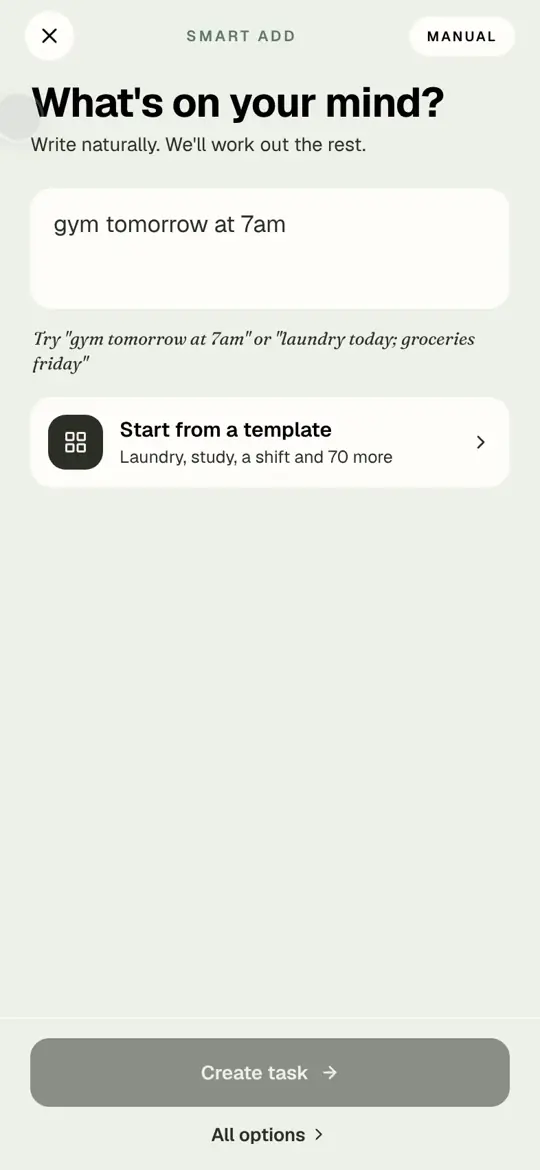
Add a task with every option: day, part of the day, priority, steps, notes, colour and icon.
The full task form, screen by screen. Use it when a task needs more than a name.
Read the article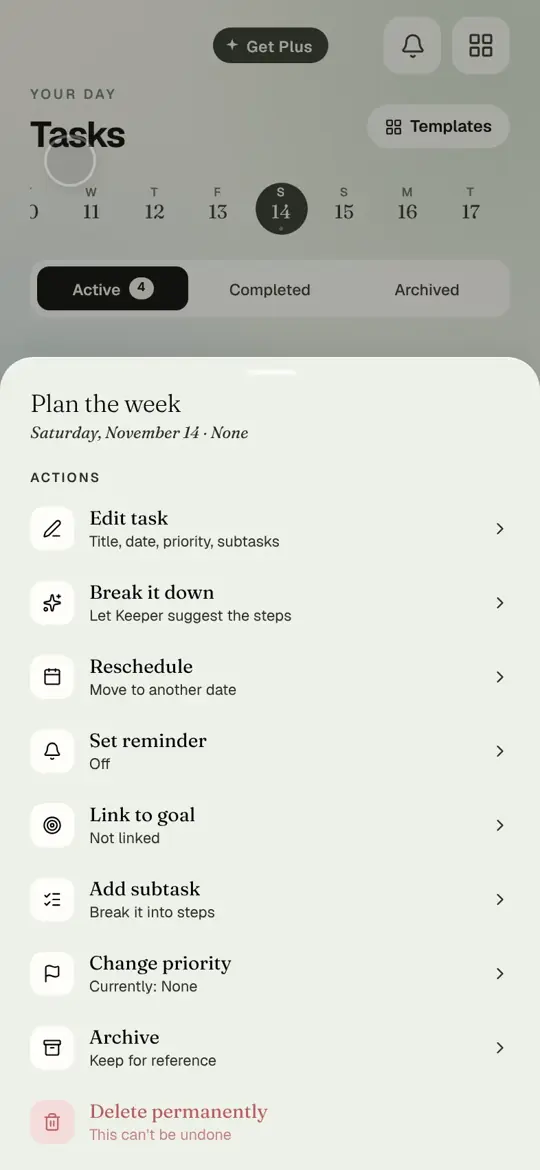
Break a task into steps with Keeper.
Keeper suggests three to seven small steps for any task. Untick the ones you do not want, add the rest, and the task becomes a checklist.
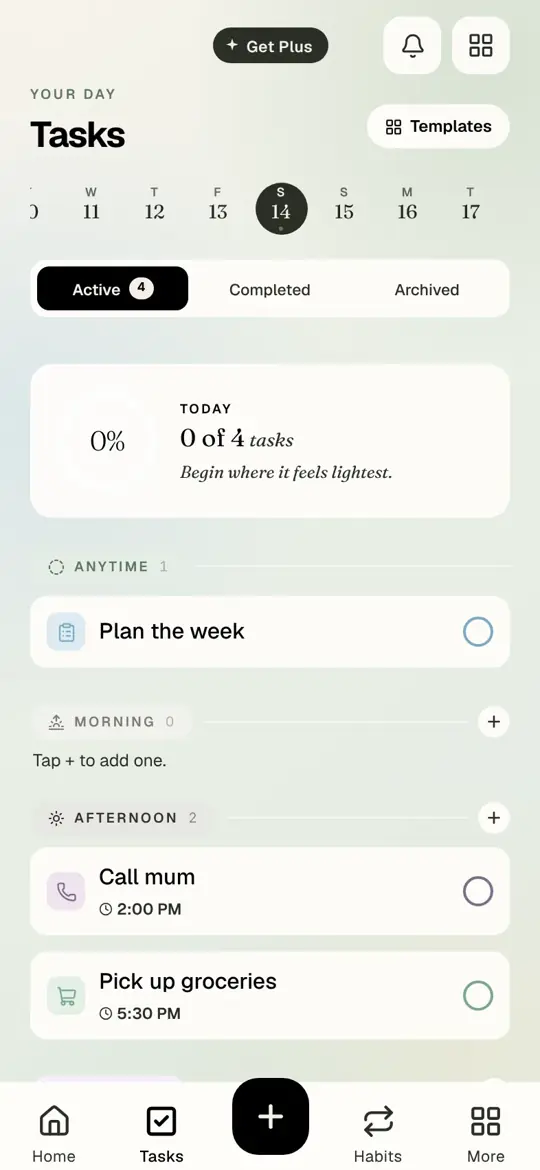
Change a task: priority and moving it to another day.
Tap any task to open its actions. Set a priority, move it to tomorrow, and find reminders, archive and delete.
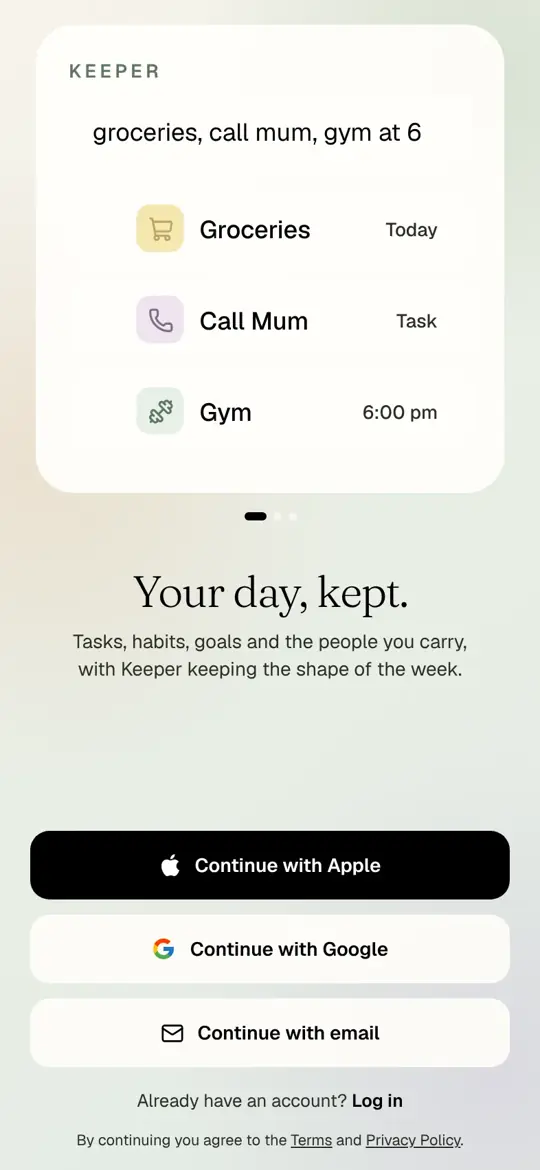
Create your account and sign in.
Sign up with Apple, Google or an email address, on iPhone or at app.timune.com. One account, same plan everywhere.
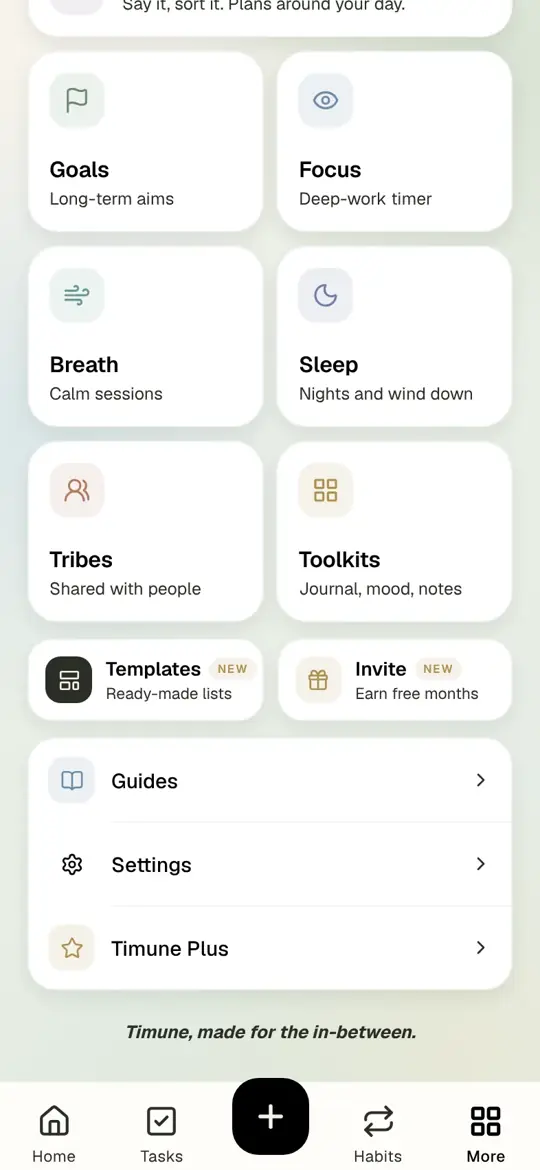
Settings: theme, your day, and reminders.
Where Settings lives, how to change the look of Timune, and how to turn reminders on or off.
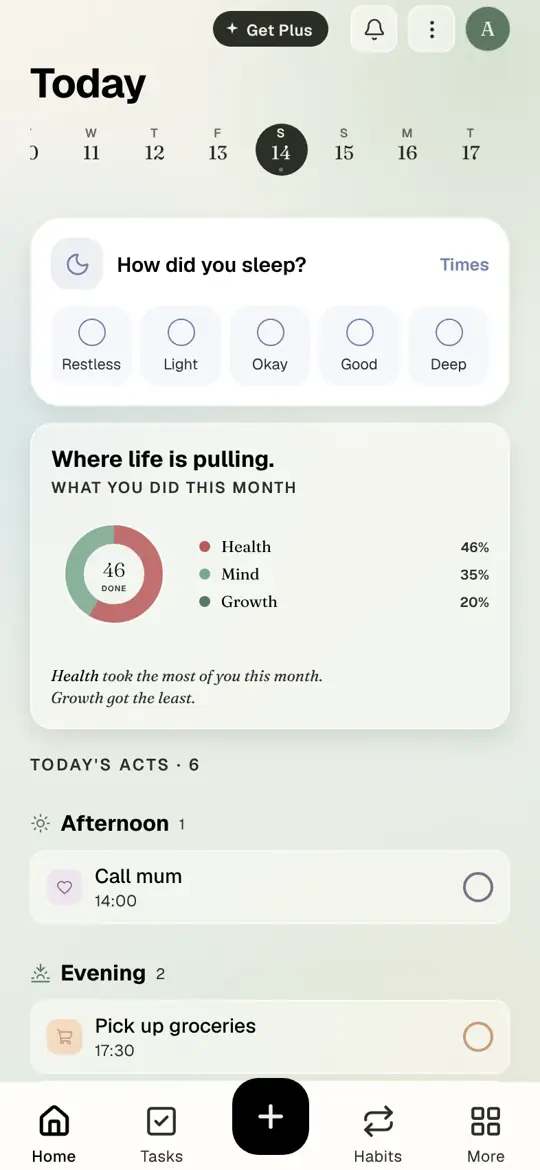
Your first day in Timune: add a task on Today.
Real app screens, start to finish. Open Today, tap plus, write the task like a text message, and tick it off.
Tribes: plan with friends and family, without the nagging.
How to set up a tribe in Timune for a friend group, a household or someone you care for, and the rules that keep it kind.