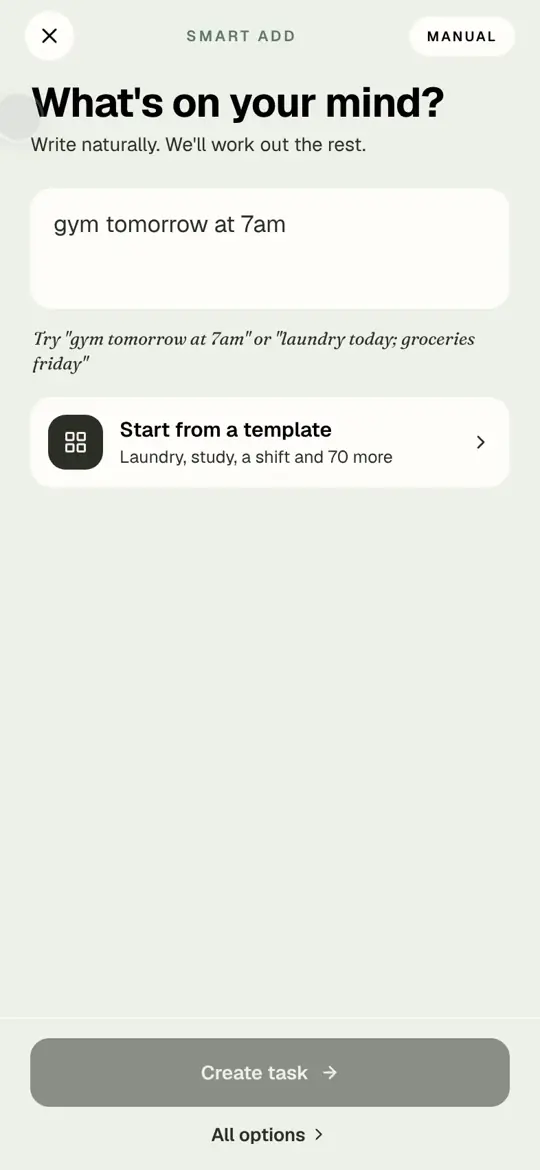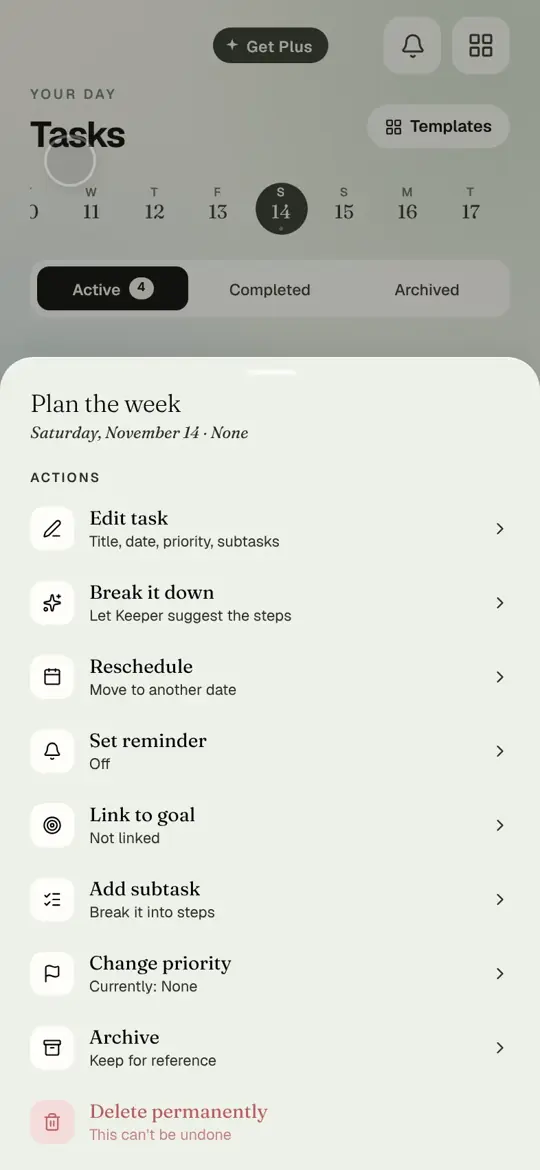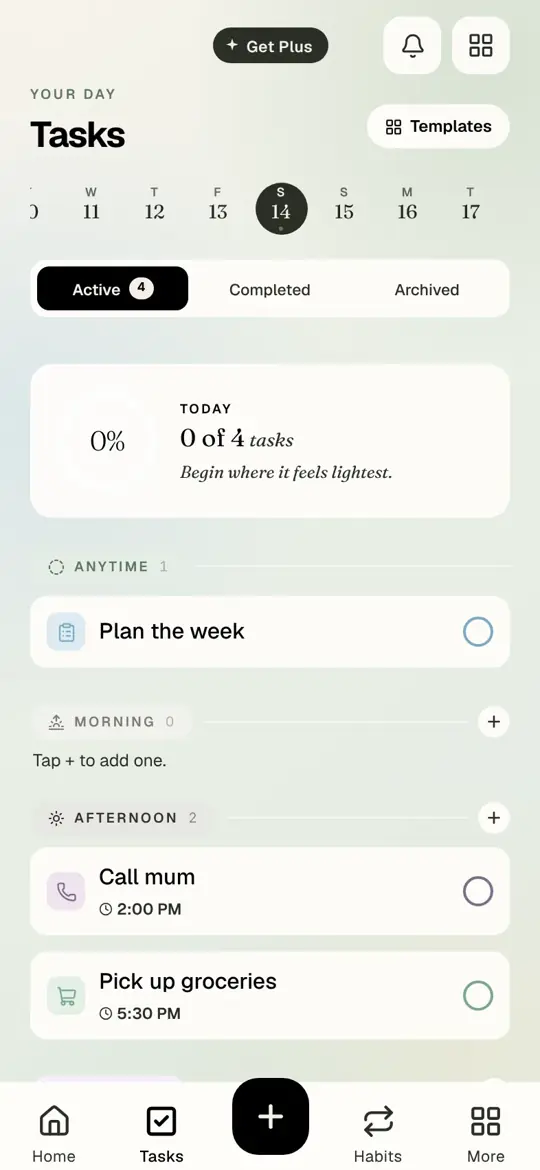
Every task has an actions sheet. Tap the task, not the circle, and it slides up.
Watch it
Recorded in the app
Open Tasks
Step by step
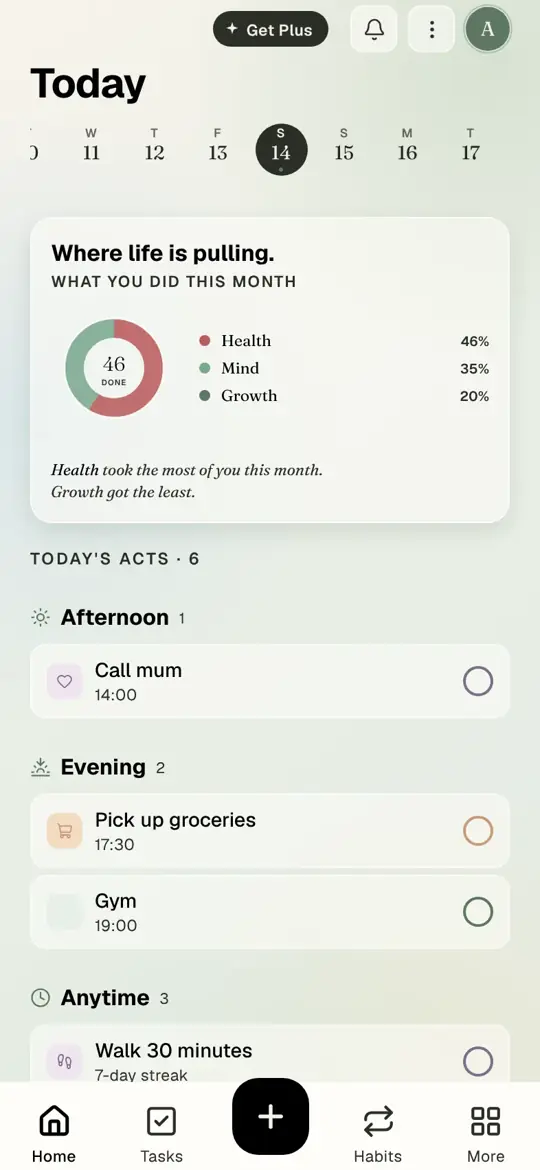
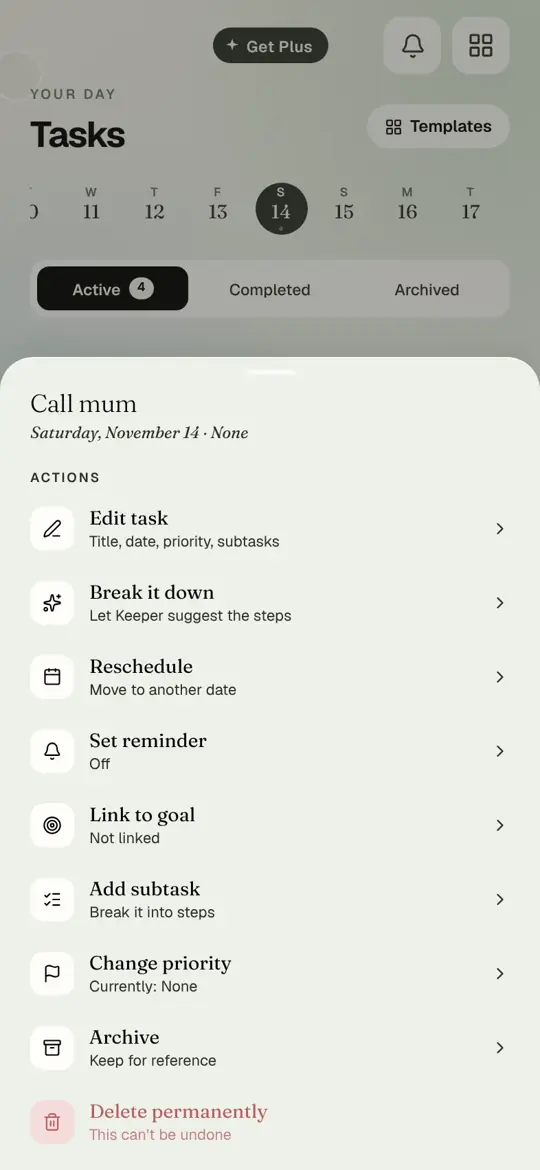
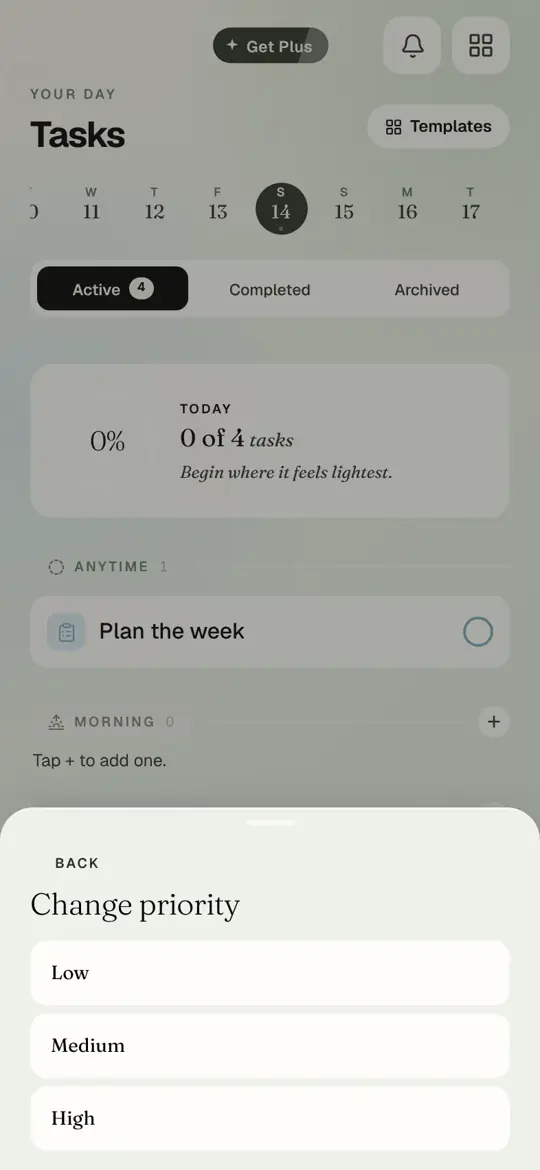
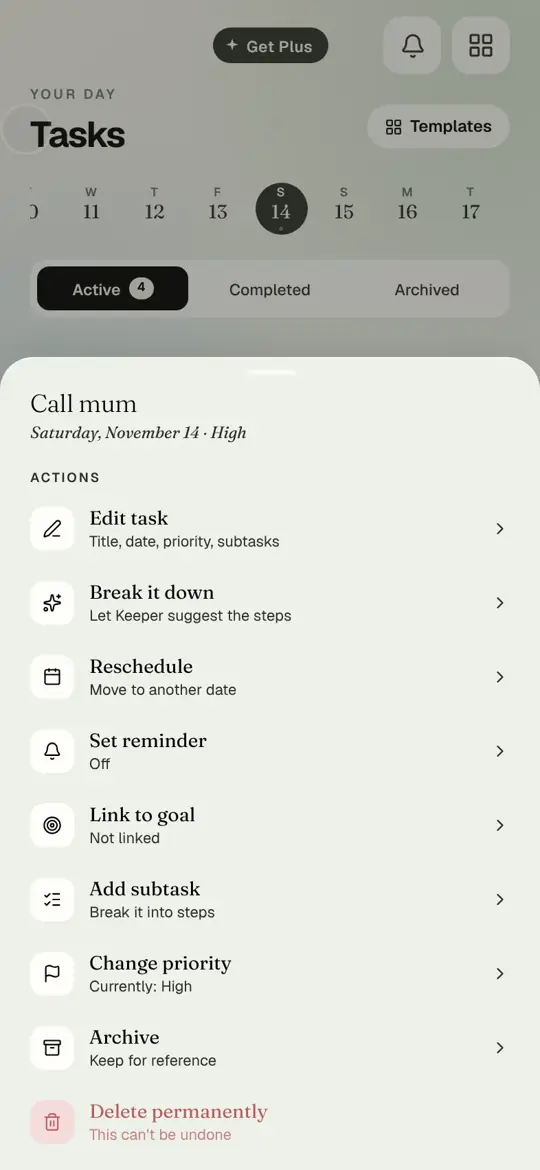
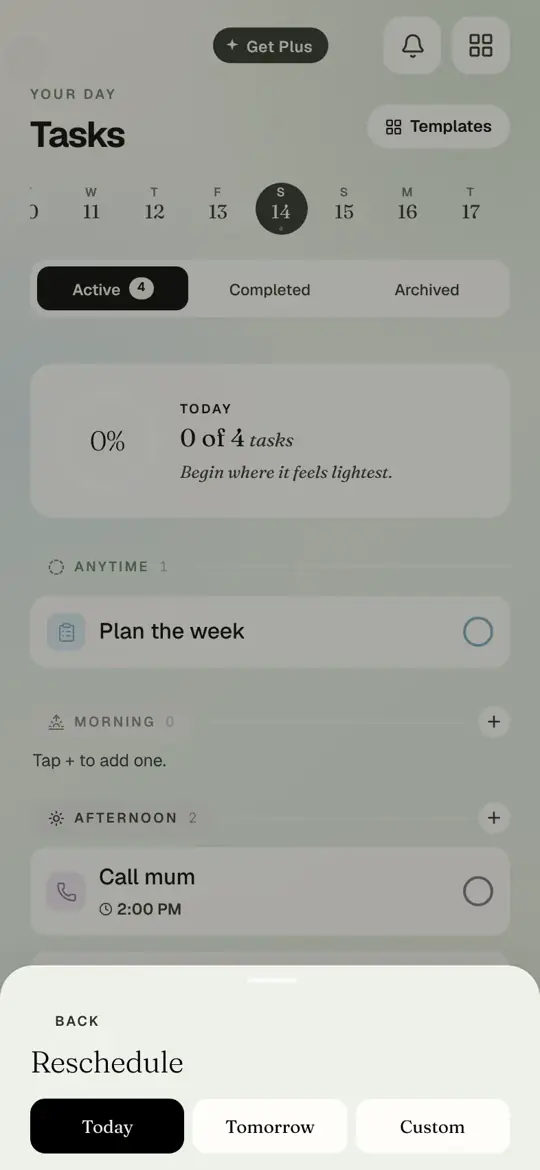
Step 1 of 6
Open Tasks. Tap the name of a task.
- Open Tasks. Tap the name of a task.
- The actions sheet: Edit task, Break it down, Reschedule, Set reminder, Link to goal, Add subtask, Change priority, Archive, and Delete at the bottom. Tap Change priority.
- Low, Medium or High. Tap High.
- The sheet closes and the task shows its priority. Tap the task again.
- Tap Reschedule. Today, Tomorrow or Custom for a calendar. Tap Tomorrow.
- The task has left today and is waiting on tomorrow.
The other actions
- Set reminder: pick a day on the calendar and a time. Long press a day to remove its reminder.
- Link to goal: attach the task to one of your goals so it counts toward it.
- Add subtask: type steps yourself, or tap Break it down to let Keeper suggest them.
- Archive: hides the task but keeps it under the Archived tab.
- Delete permanently: gone for good. Timune asks first.
Questions people ask
How do I complete a task?
Tap the circle on the right of the task, on Today or on Tasks.
Where do completed tasks go?
The Completed tab at the top of Tasks. Tap the circle again to undo.
Can I move several tasks at once?
Not yet. Move them one at a time from the actions sheet, or use a weekly review to tidy the week.
tutorialtasksreschedulepriority
Try it in Timune.
A task that moves to tomorrow is not a failure. It is a plan that bends.
Get Timune free