Twenty seconds, one task, nothing else. This is the first thing to do in Timune.
Watch it
Recorded in the app
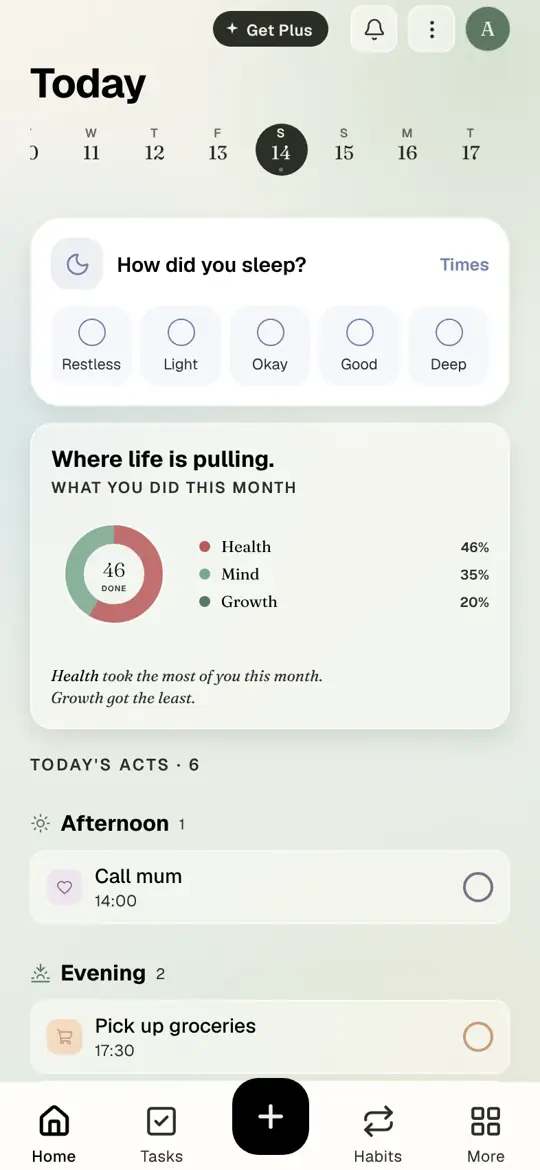
Today
Step by step
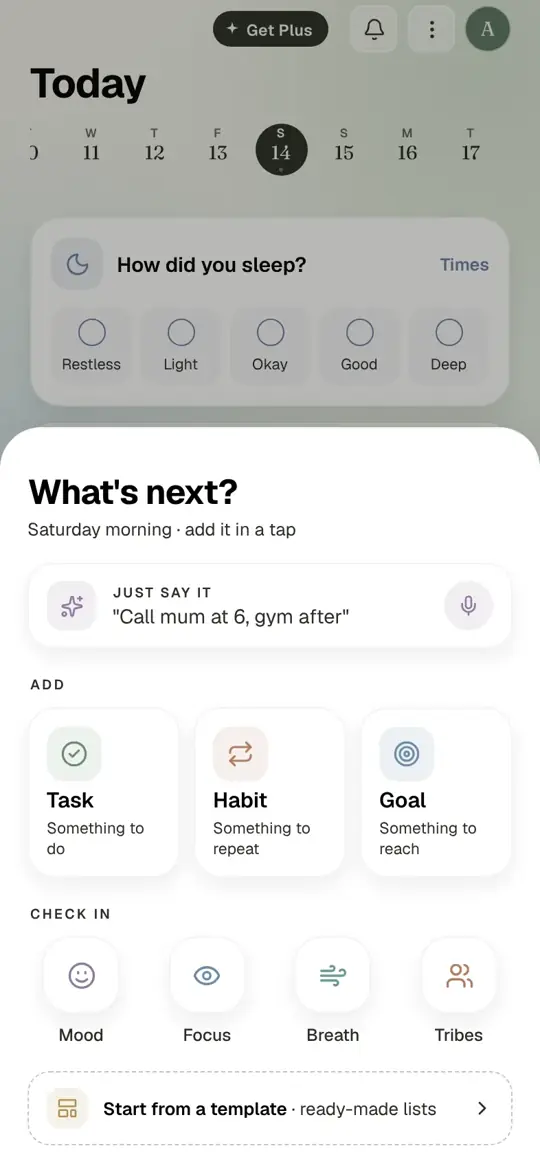
Step 1 of 7
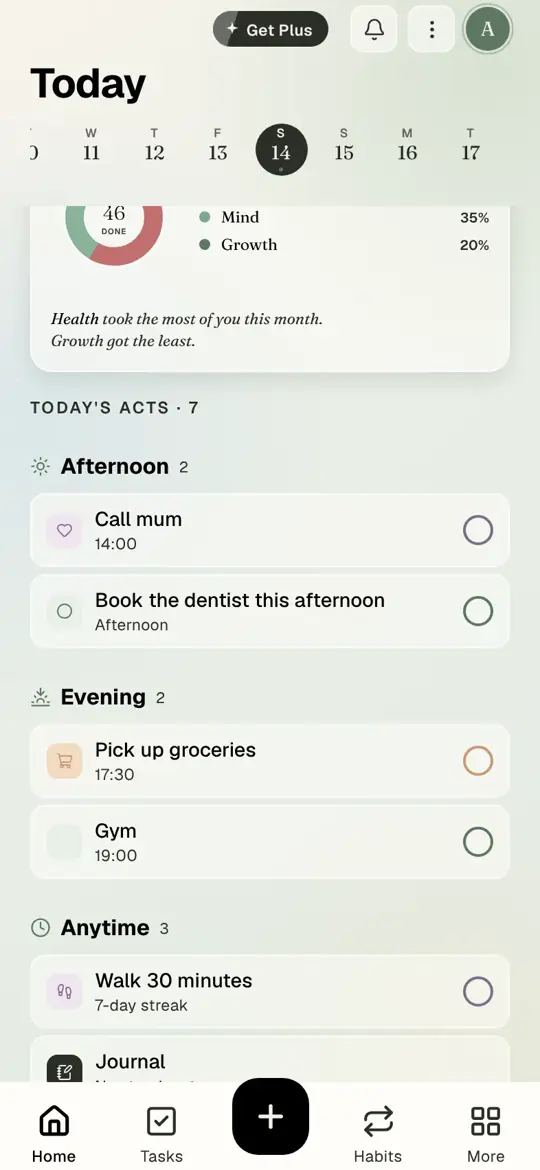
Today. Your tasks sit in morning, afternoon, evening and anytime. Tap the plus button.
- Today. Your tasks sit in morning, afternoon, evening and anytime. Tap the plus button.
- Tap Task.
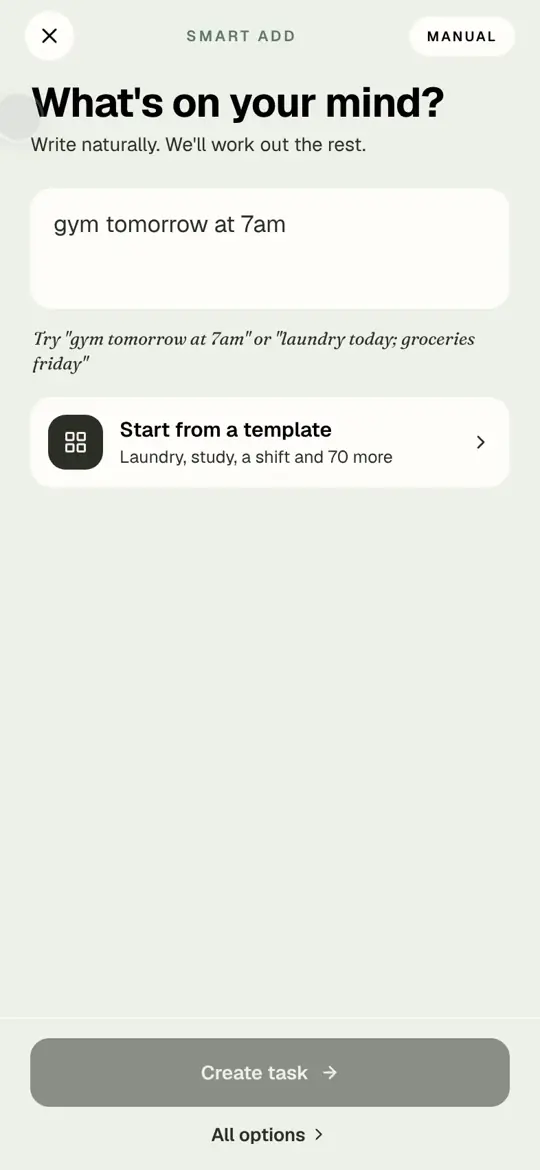
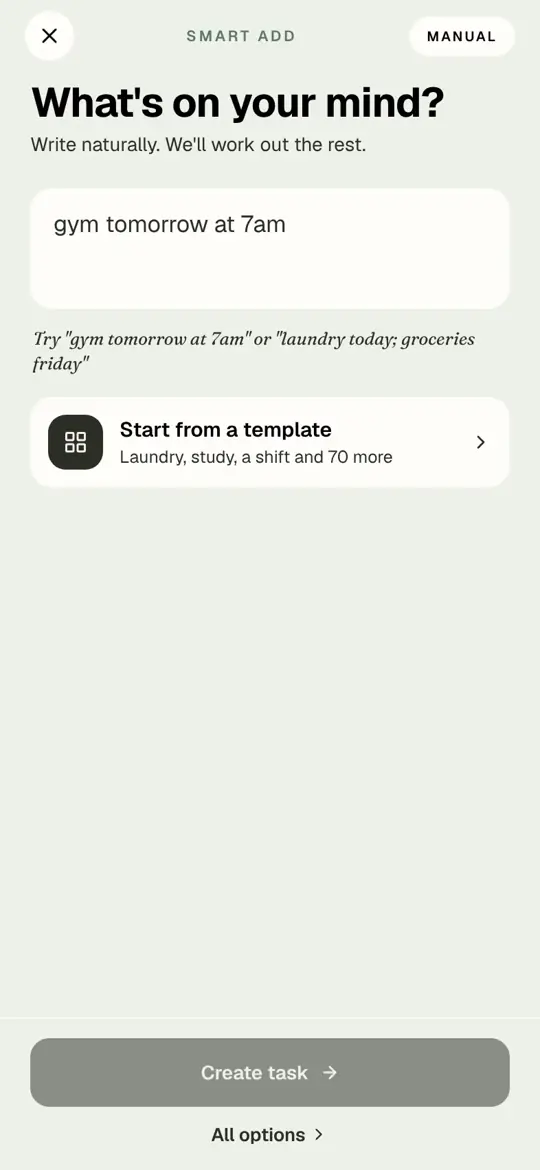
- Tap the box and write the task the way you would text it.
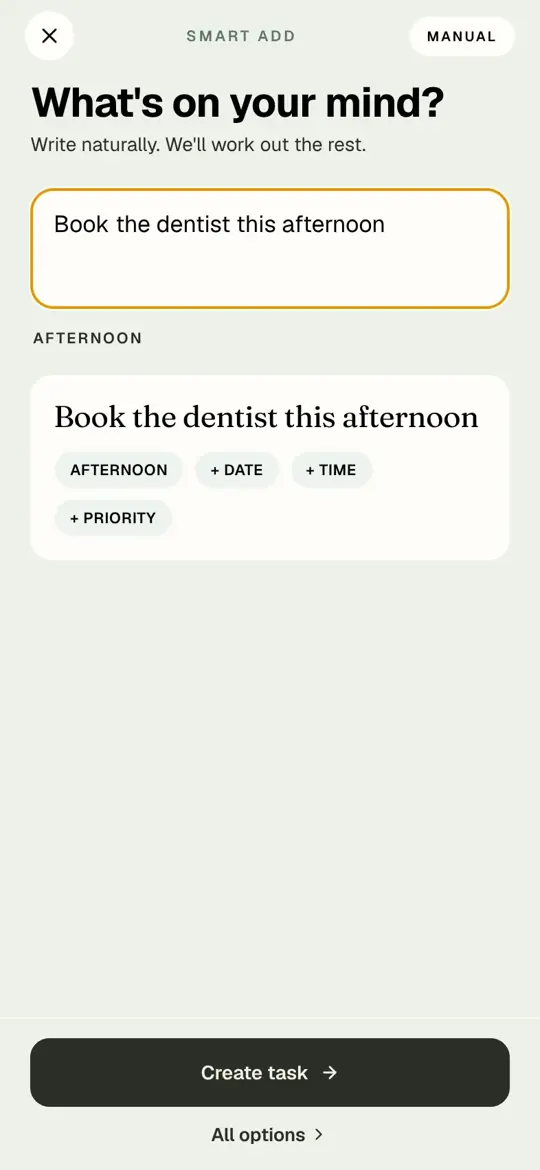
- "Book the dentist this afternoon". Timune reads "this afternoon" and sets it. Tap Create task.
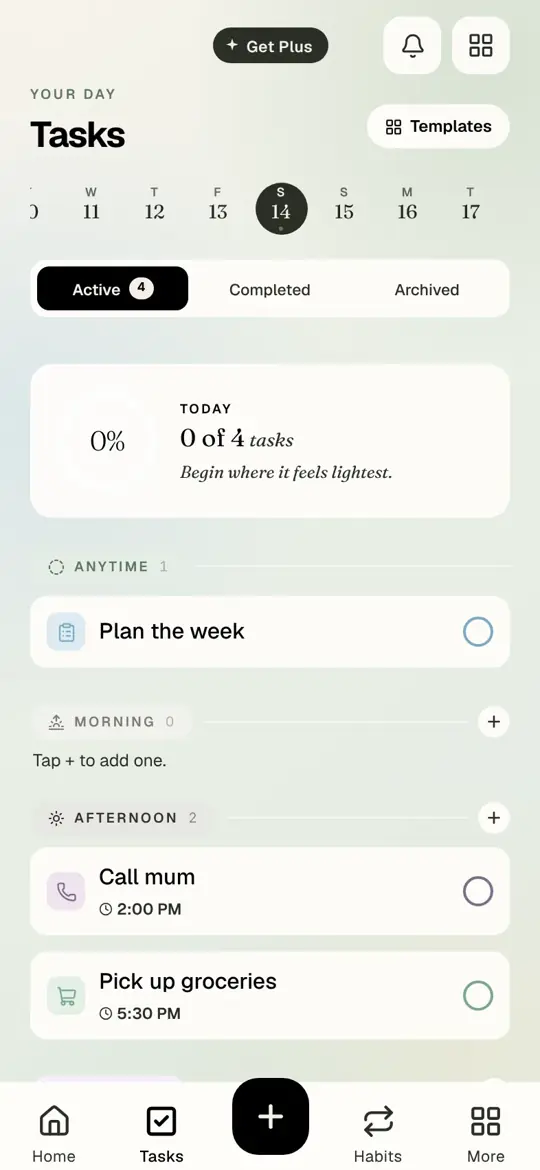
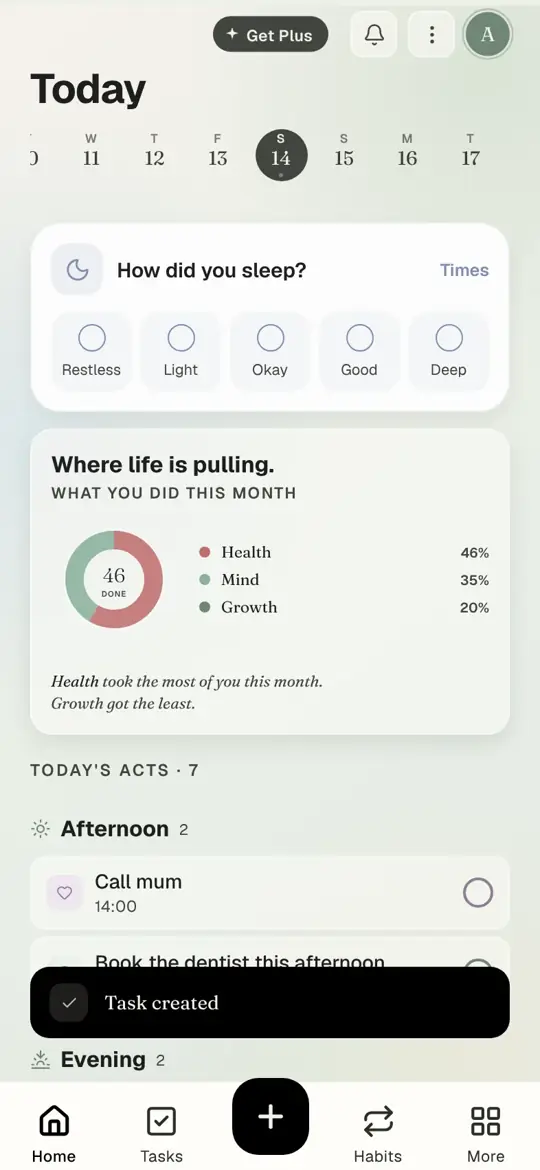
- Back on Today. The task is in the Afternoon group.
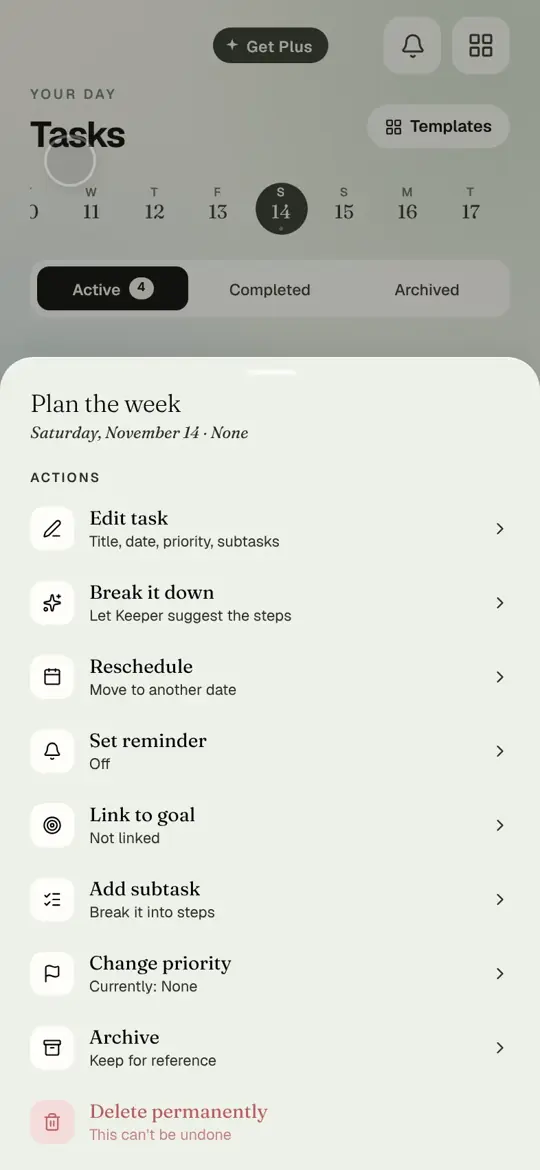
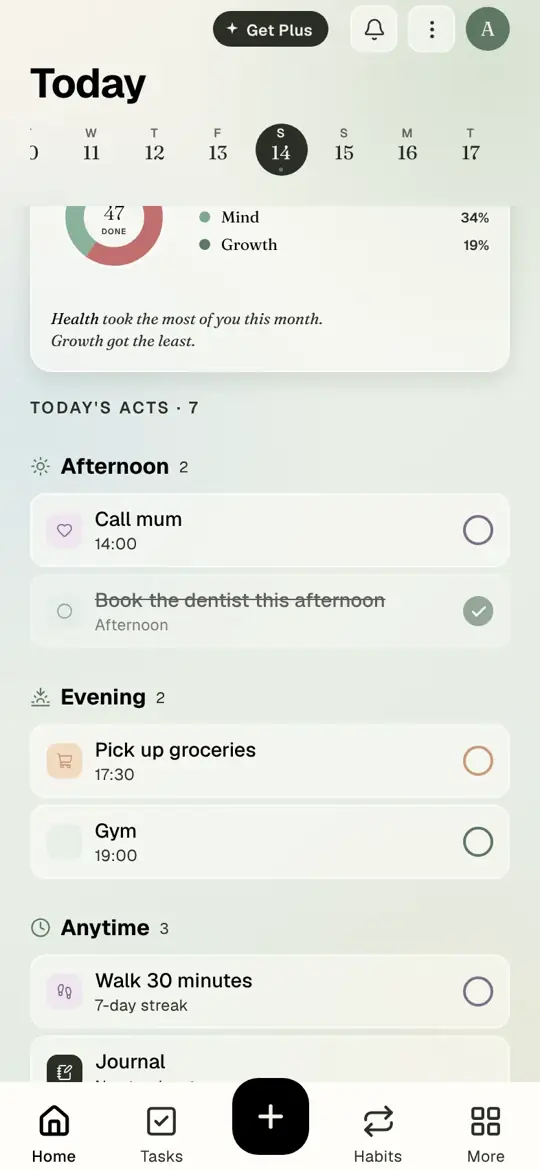
- When it is done, tap the circle on the right.
- Done. That is the whole loop: add it, do it, tick it.
Words smart add understands
- When in the day: "this morning", "this afternoon", "tonight".
- Which day: "tomorrow", "Friday", "next Tuesday".
- A time: "at 7am", "at 2:30".
- Two at once: "laundry today; groceries Friday".
Got it wrong? Tap a chip under the preview to change it, or tap All options for the full form.
Questions people ask
Do I have to give every task a time?
No. Most tasks only need a part of the day. A time is for things that cannot move, like an appointment.
Where is my task if I said "tomorrow"?
On tomorrow. Tap tomorrow in the week strip at the top of Today to see it.
What if I give no part of the day?
It goes to Anytime, at the bottom of Today.
getting startedtutorialTodaysmart add
Try it in Timune.
Free on iPhone and in your browser. Your plan syncs between them on the same account.
Get Timune free