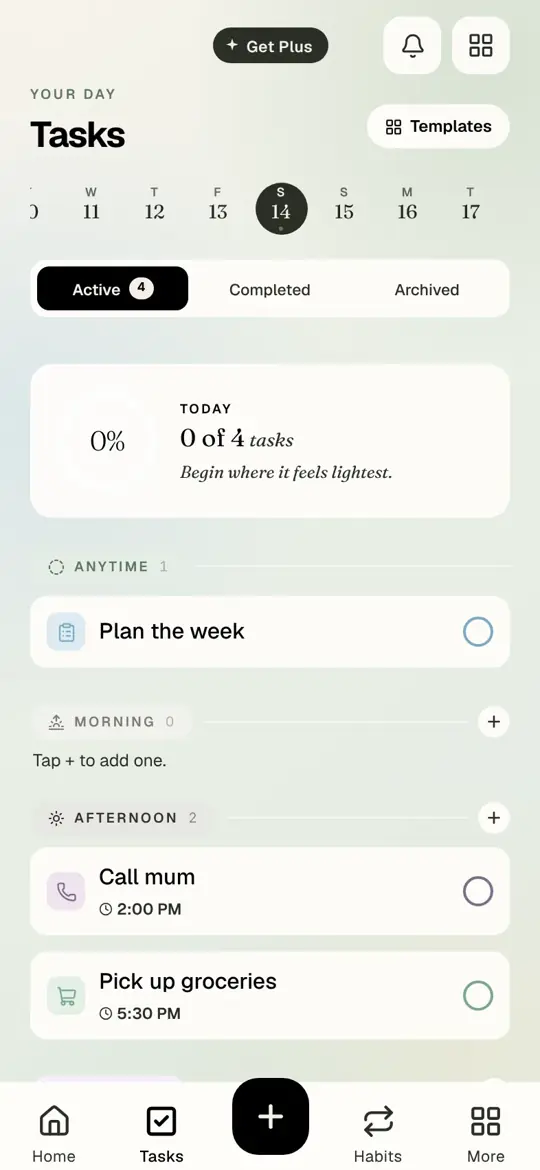
Timune started on the iPhone, and for a while the browser version was a place to look at your plan rather than live in it. That changed this month. app.timune.com is now the whole planner, with everything the phone has, laid out for a bigger screen.
What is on the web now
Everything. Today in three parts, tasks, habits with the same daily, some-days and roster schedules, goals with their steps and paces, focus sessions, Keeper, mood, sleep, journal, notes, breathing and tribes.
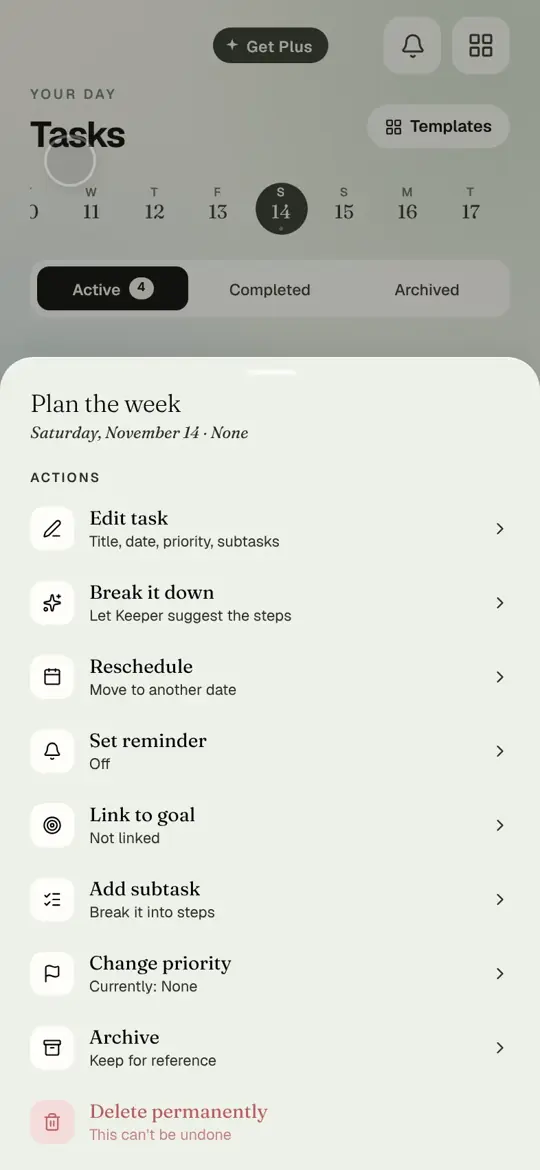
On a laptop the layout opens up: a sidebar on the left, your day in the middle, and pop-ups that sit as dialogs in the centre of the window instead of sliding up from the bottom like they do on a phone. On an iPad or a phone browser, it looks and behaves like the app.
Your plan syncs between phone and web through your account, so a task ticked on the train is ticked on the desk when you sit down.
Plus on the web
Until now, Timune Plus could only be bought on the iPhone. You can now get it on the web as well: open Get Plus in the web app, choose monthly or yearly, and pay by card on a secure checkout page. The three days free apply on the web exactly as they do on the phone.
A Plus bought on the web unlocks on your phone, and a Plus bought on the phone unlocks on the web. It is one subscription, on one account, however you paid for it. Manage or cancel it from Settings on whichever side you bought it.
Prices are the same everywhere: USD 7.99 a month or USD 49.99 a year.
Also new
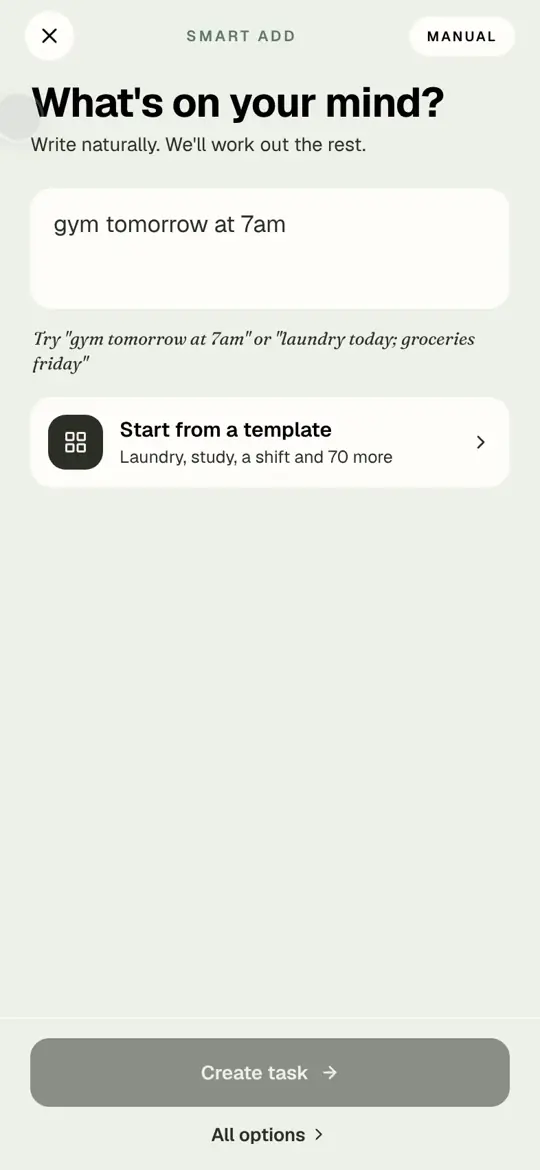
- Step-by-step creators for habits, tasks and goals: one question at a time, with an "all options" link if you want the full form.
- Dark mode on the web now paints every screen in one colour, with no light gaps between panels.
- Focus sessions on a laptop use the larger screen properly, with a bigger ring and a centred control bar.
- The keyboard on iPhone no longer covers the bottom of sheets when you type.
- A new website at timune.com, with this blog.
What is next
An Android app is on the list, and Apple Watch after it. If there is something you want sooner, write to support@timune.com. Short notes are fine; we read all of them.
Questions people ask
Do I need a separate account for the web?
No. Sign in at app.timune.com with the same Apple, Google or email account you use on your phone, and your plan is there.
If I buy Plus on the web, does it work on my phone?
Yes. Plus is attached to your account, not to the device or the shop you bought it in.
How do I cancel a Plus bought on the web?
Settings, then Manage subscription, which opens the billing page where you can cancel. Access continues to the end of the period you paid for.
Does the web app work on Android?
Yes, in any modern browser. It is the easiest way to use Timune on Android until the native app arrives.
Try it in Timune.
Open app.timune.com, sign in with the account you use on your phone, and your day is already there.
Get Timune free